Running Angular Unit Tests with Vitest in VS Code
The default Angular unit test builder does not currently work well with the Visual Studio Code Test Explorer. You can avoid that workflow friction by switching to the AnalogJS Vitest integration and keeping your existing Angular test structure.
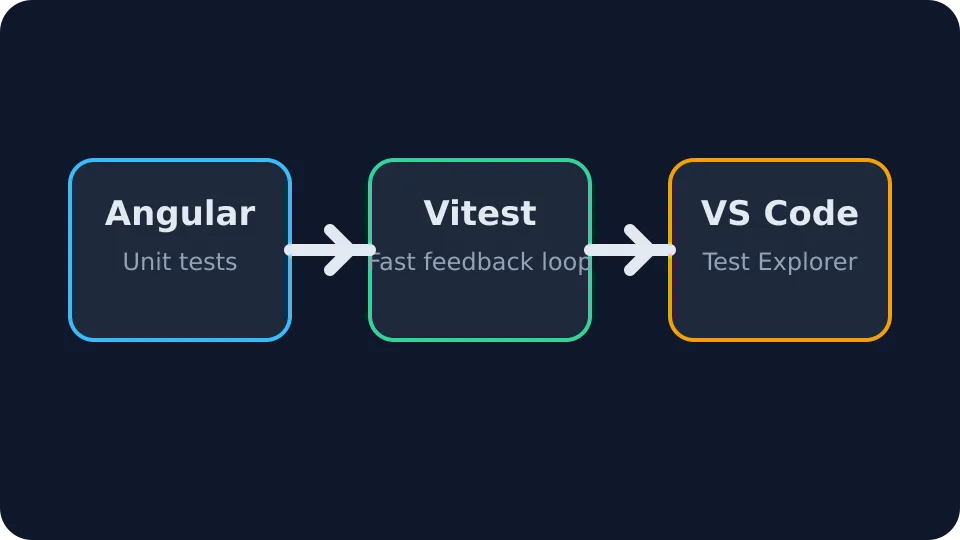
Why switch?
- Faster feedback during day-to-day development
- Better compatibility with the VS Code Test Explorer
- A more modern test runner setup for Angular projects
Suggested setup
Start by adding the Vitest integration packages to your Angular project and
configuring a vitest.config.ts file.
import { defineConfig } from 'vite';
import angular from '@analogjs/vite-plugin-angular';

export default defineConfig({
  plugins: [angular()],
  test: {
    globals: true,
    environment: 'jsdom',
    setupFiles: ['src/test-setup.ts'],
  },
});
Once the builder is configured, install the Vitest Test Runner extension in Visual Studio Code and run your tests directly from the Test Explorer.